

How to Identify a Fake USB Flash Drive Before Buying
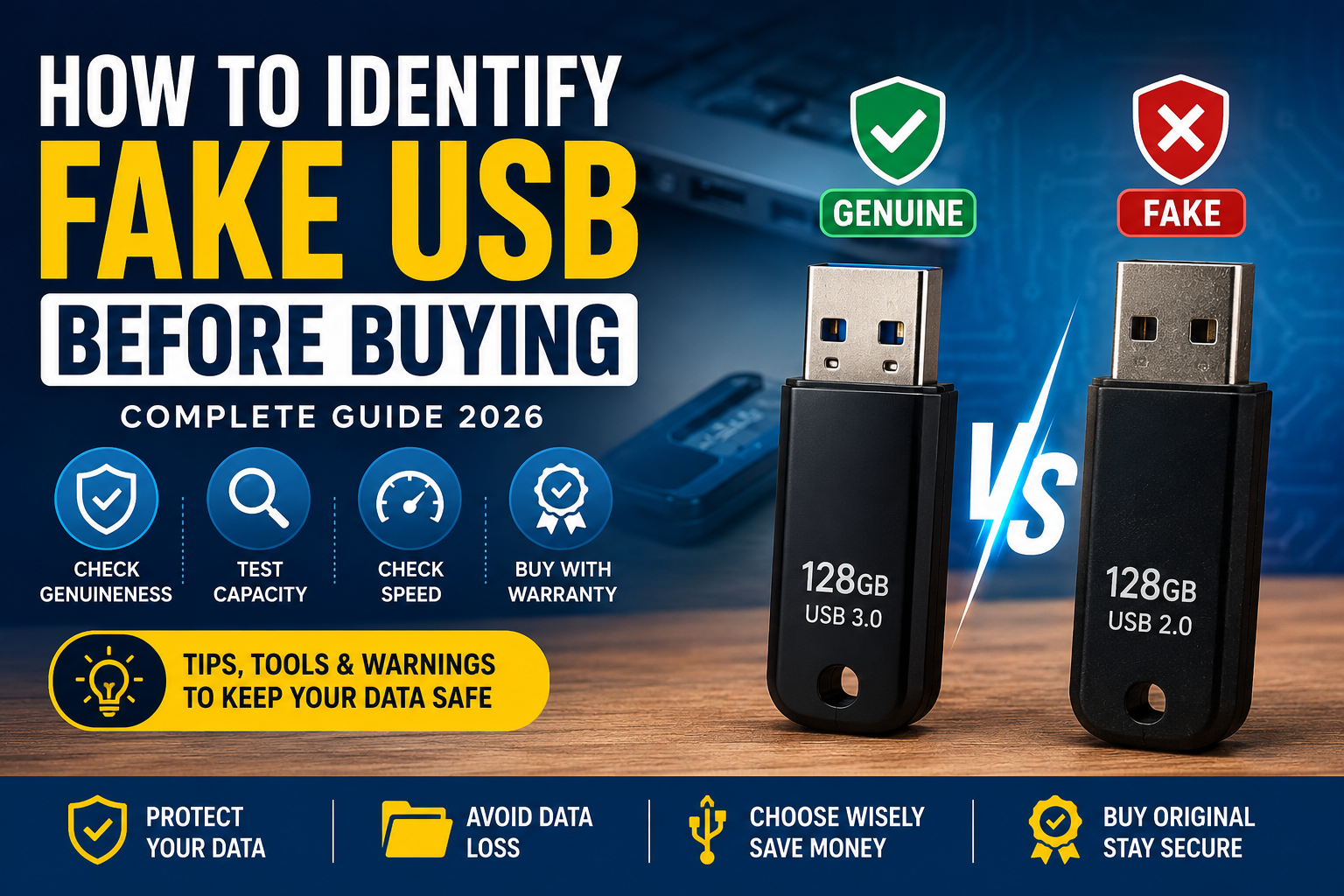
Buying a USB flash drive seems simple, but many buyers end up purchasing counterfeit storage devices. A fake USB may show 64GB or 128GB, but in reality, it may only have 8GB or 16GB of actual storage. Once the real capacity is exceeded, your files become corrupted or disappear.
If you plan to store important data, Windows installation files, SDI Driver Packs, Office installers, or personal backups, knowing how to identify a genuine USB drive is essential.
In this guide, you’ll learn practical methods to spot fake USB flash drives before and after purchasing.
What Is a Fake USB Drive?
A fake USB drive is a storage device whose firmware has been modified to display a larger capacity than it actually has.
For example:
- Advertised Capacity: 128GB
- Actual Physical Storage: 16GB
Initially, the USB appears to work normally. However, once more than 16GB of data is copied, older files begin to disappear or become unreadable.
Signs of a Fake USB Flash Drive
1. The Price Is Too Good to Be True
One of the biggest warning signs is an unusually low price.
If a branded 128GB USB is selling far below the normal market price, you should verify its authenticity before purchasing.
Always compare prices from trusted retailers.
2. Poor Packaging
Original USB drives usually include:
- Factory-sealed packaging
- Barcode
- Serial number
- Warranty information
- Clear printing
Counterfeit products often have blurry printing, spelling mistakes, or low-quality packaging.
3. Unknown Seller
Buy from trusted computer stores or reputable online marketplaces with verified reviews.
Avoid purchasing from sellers who refuse to provide a warranty or invoice.
4. Extremely Slow Performance
While entry-level USB drives aren’t extremely fast, fake drives often have unusually slow write speeds.
Typical USB 3.0 speeds:
- Read Speed: 80–150 MB/s
- Write Speed: 20–80 MB/s
If your USB writes at only 2–5 MB/s consistently, it may indicate poor quality or counterfeit hardware.
How to Test a USB Drive After Buying
Even genuine-looking USB drives should be tested.
H2testw
H2testw is one of the most trusted free utilities.
It:
- Verifies actual storage capacity
- Detects fake USB drives
- Finds corrupted sectors
- Confirms whether all advertised storage is usable
This is considered one of the most reliable tools for Windows users.
FakeFlashTest
Another excellent utility is FakeFlashTest.
It quickly checks:
- Real capacity
- Read/write errors
- Storage integrity
Many technicians use this tool before delivering USB drives to customers.
Should You Buy a 64GB or 128GB USB?
If your purpose includes:
- Windows installation
- Driver backup
- SDI Driver Packs
- Office installers
- Portable software
- Emergency recovery tools
A 128GB USB is generally the better choice.
It provides more room for future software updates and multiple Windows ISO files.
Is SDI (Snappy Driver Installer Origin) Safe for USB Drives?
Yes.
Snappy Driver Installer Origin does not damage USB drives.
The software simply reads driver files during installation.
A USB drive only experiences normal write operations when you update or replace driver packs, which is completely normal for flash storage.
Tips to Increase USB Lifespan
To keep your USB drive healthy:
- Always use Safely Remove Hardware
- Avoid unplugging during file transfers
- Store it away from moisture and heat
- Scan for viruses regularly
- Keep an additional backup of important files
- Buy genuine branded products with warranty
Best USB Brands
Some of the most trusted brands include:
- SanDisk
- Kingston
- Samsung
- Lexar
- Transcend
- HP
Always purchase from authorized or reputable sellers whenever possible.
Frequently Asked Questions
Can a fake USB damage my files?
Yes. Once the real storage capacity is exceeded, files may become corrupted or disappear.
Does copying large software packages reduce USB life?
Normal copying does not significantly reduce a quality USB drive’s lifespan. Modern flash drives are designed for thousands of write cycles.
Is a USB better than a used HDD for software backup?
For portability and daily use, a quality USB flash drive is usually the better option.
For storing large amounts of data, a healthy hard drive offers more storage at a lower cost per gigabyte.
Final Thoughts
A USB flash drive is only useful if its storage capacity is genuine. Spending a few minutes checking the product can save you from losing valuable files later.
Before trusting any new USB drive with important software or personal data, verify its capacity using tools like H2testw or FakeFlashTest, purchase from reputable sellers, and always maintain a second backup of critical files.
Investing in a genuine USB with a warranty is often worth the extra cost, especially when your data matters.